0%
More Productive
A 40-hour time-blocked week produces the same output as a 60+ hour unstructured week
Cal Newport, Georgetown University
You have 47 tasks. Your calendar has 12 events. But you have no idea when you'll actually do anything. Kaizen changes that—drag tasks directly onto your timeline and watch your productivity soar.
14-day free trial·Cancel anytime·iOS, Android & Web
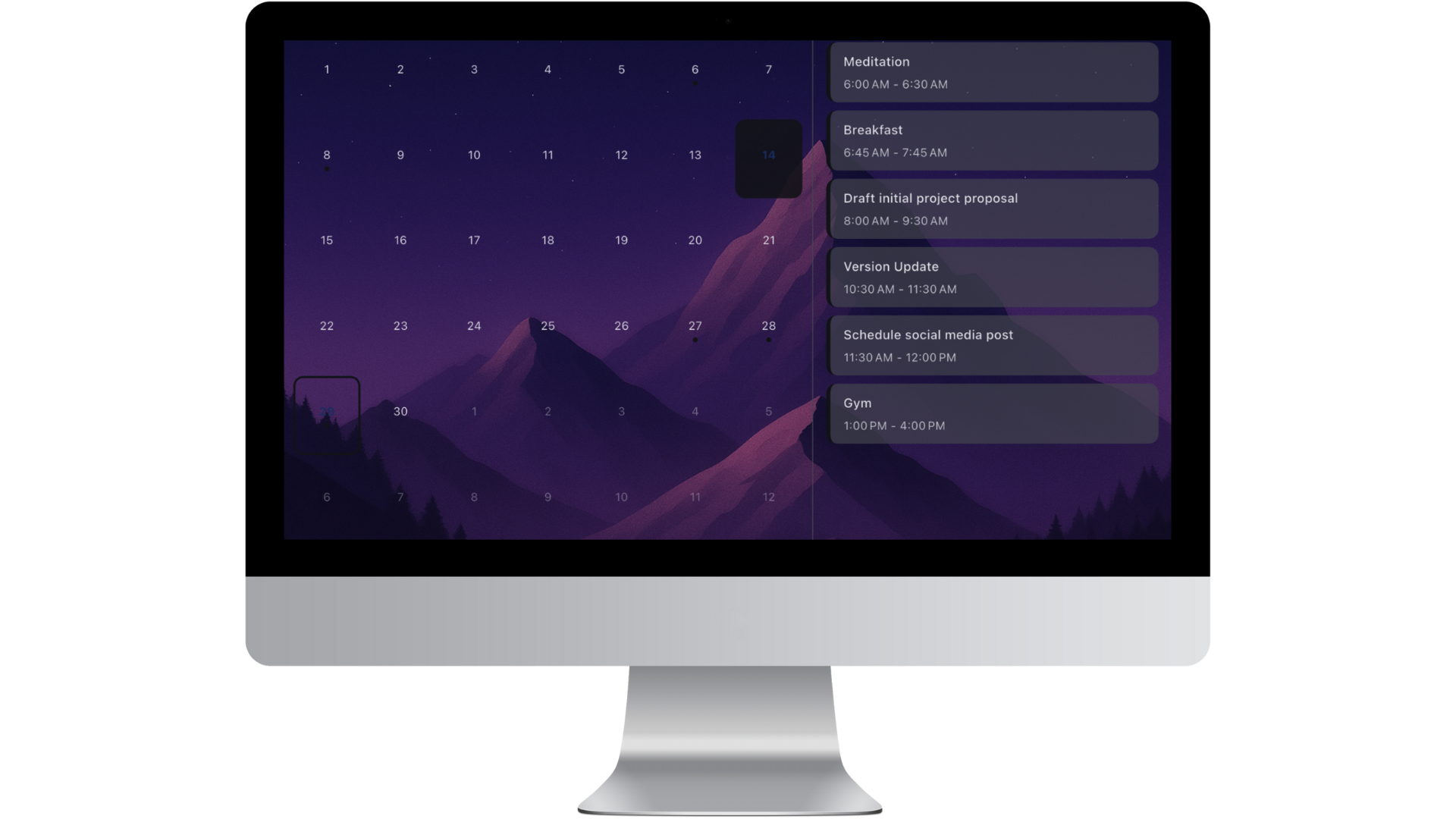
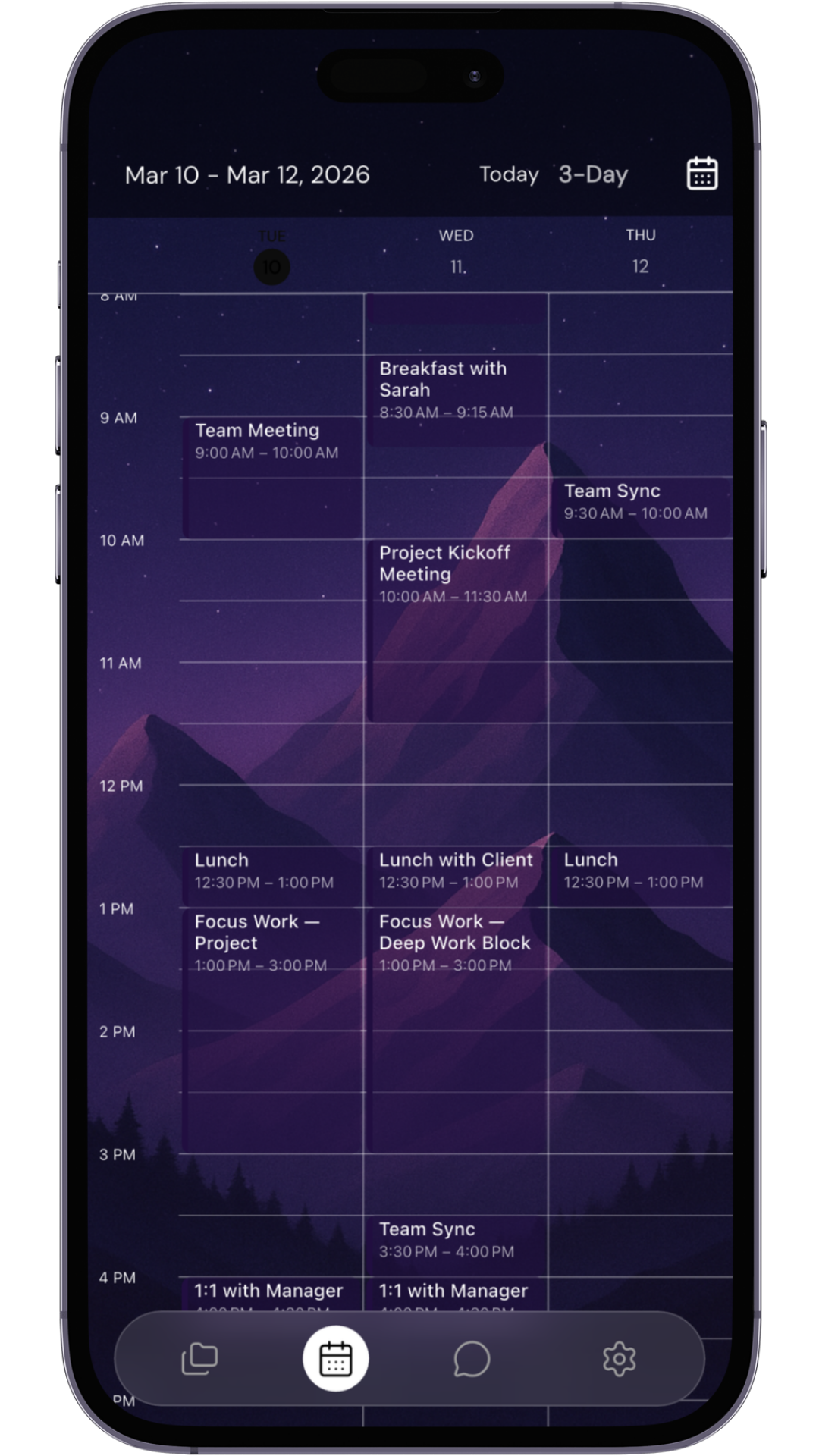
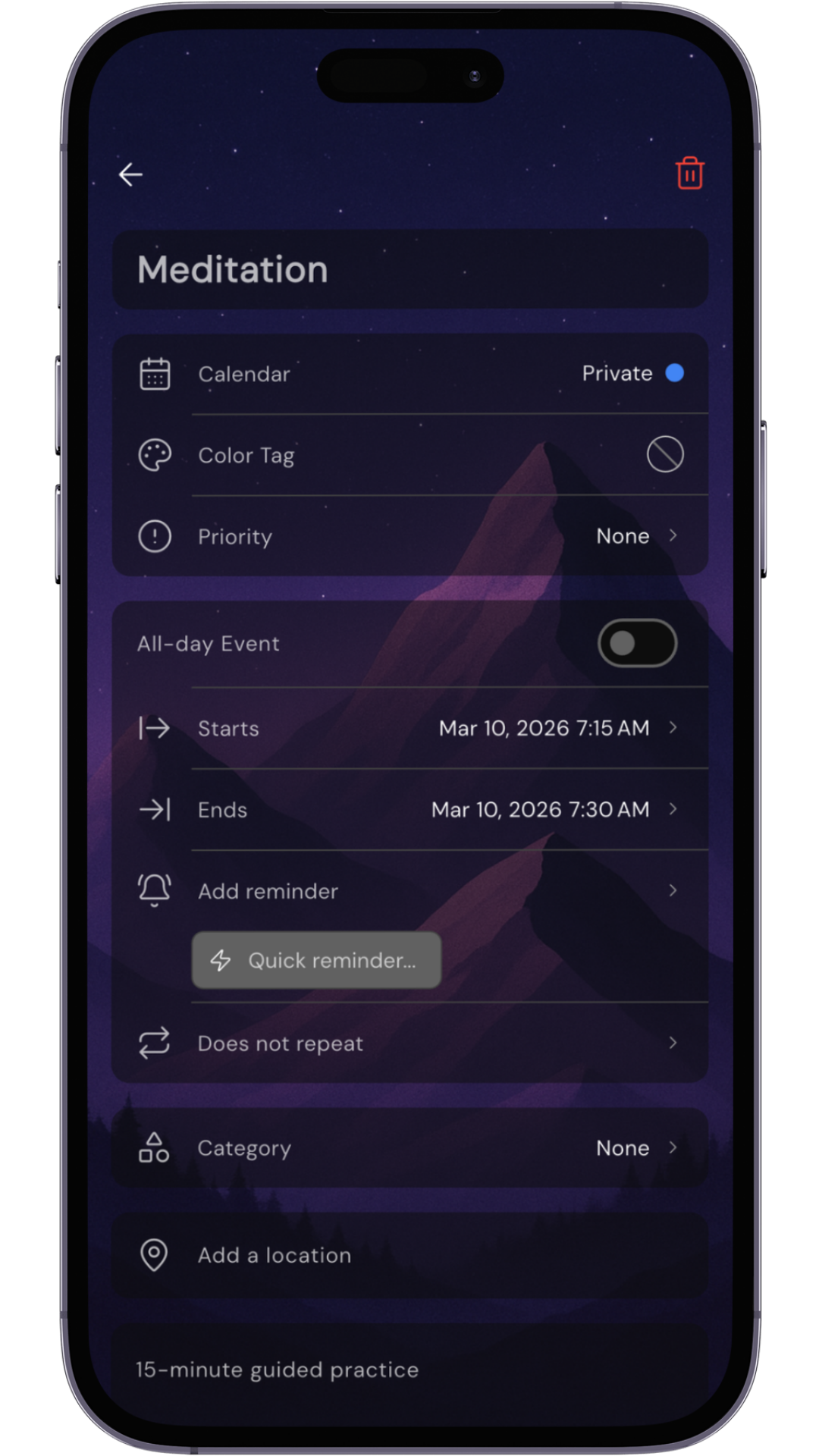
From your daily calendar to advanced workflow tools — Kaizen brings everything together in one beautifully designed space.
Day, 3-day, week, work week, month, and agenda views for every planning horizon
Unlimited tasks and projects with folders, deadlines, and priorities
Add tasks and schedule events with natural language commands
Time and location-based notifications that actually help you remember
Set up habits once — daily, weekly, or monthly routines run themselves
Add addresses to tasks; one tap opens maps for directions
Themes, fonts, colors, and icon styles — make it uniquely yours
Personalize your calendar with your own photos and images
Your tasks and schedule right on your home screen
Bring tasks in, take your data out — your information, your control
iOS, Android, and web — synced in real time via the cloud
Submit ideas, vote on features, and directly shape Kaizen's roadmap
From daily focus to monthly planning, Kanban workflows, and priority clarity — see your time and work the way that works for you.
The revolutionary split-screen that changed everything. See your timeline on the left, unscheduled tasks on the right. Drag, drop, done. This is where productivity happens.
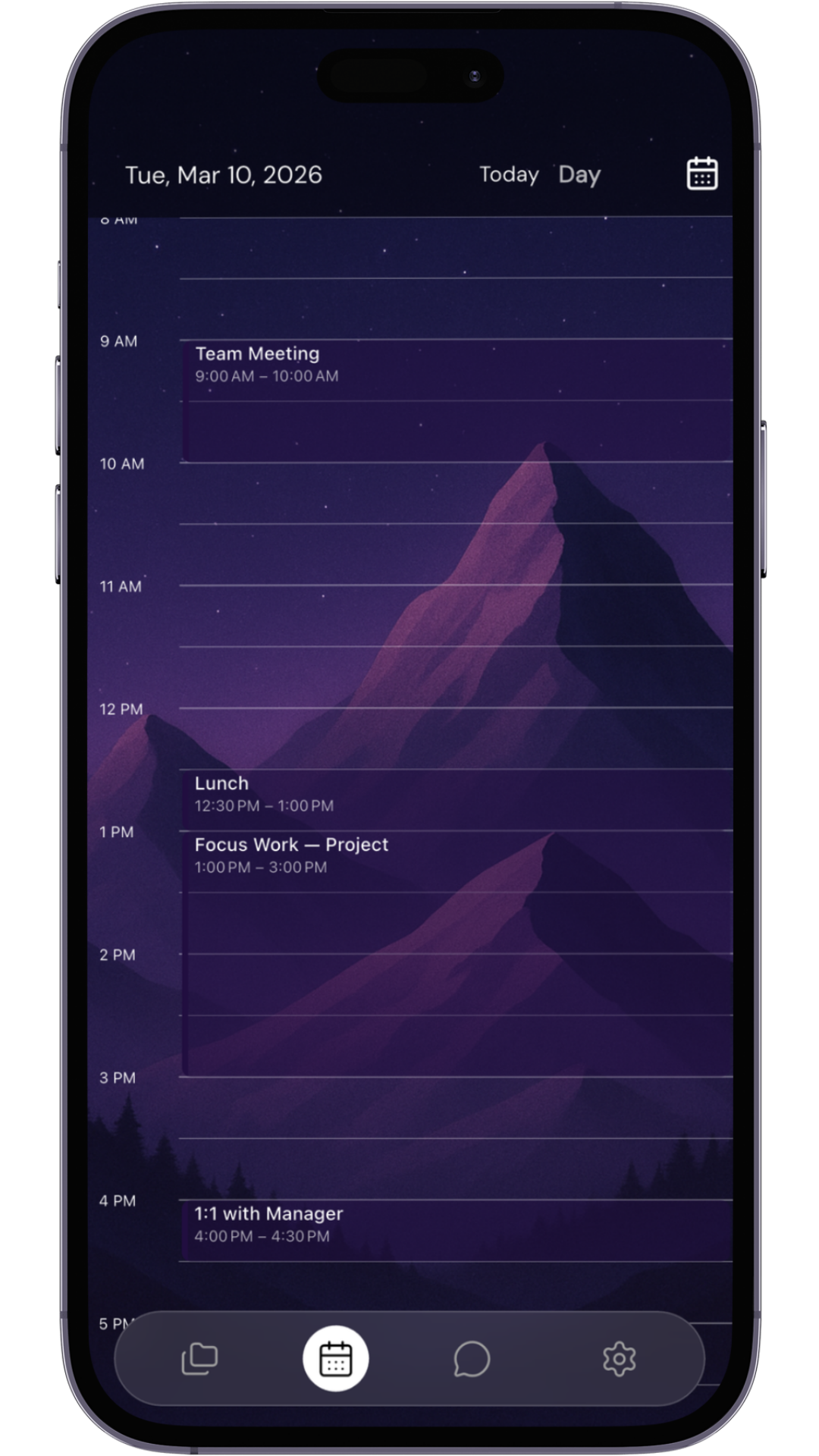
Zoom out to see patterns, deadlines, and busy periods. Perfect for planning projects, tracking goals, and ensuring nothing falls through the cracks.
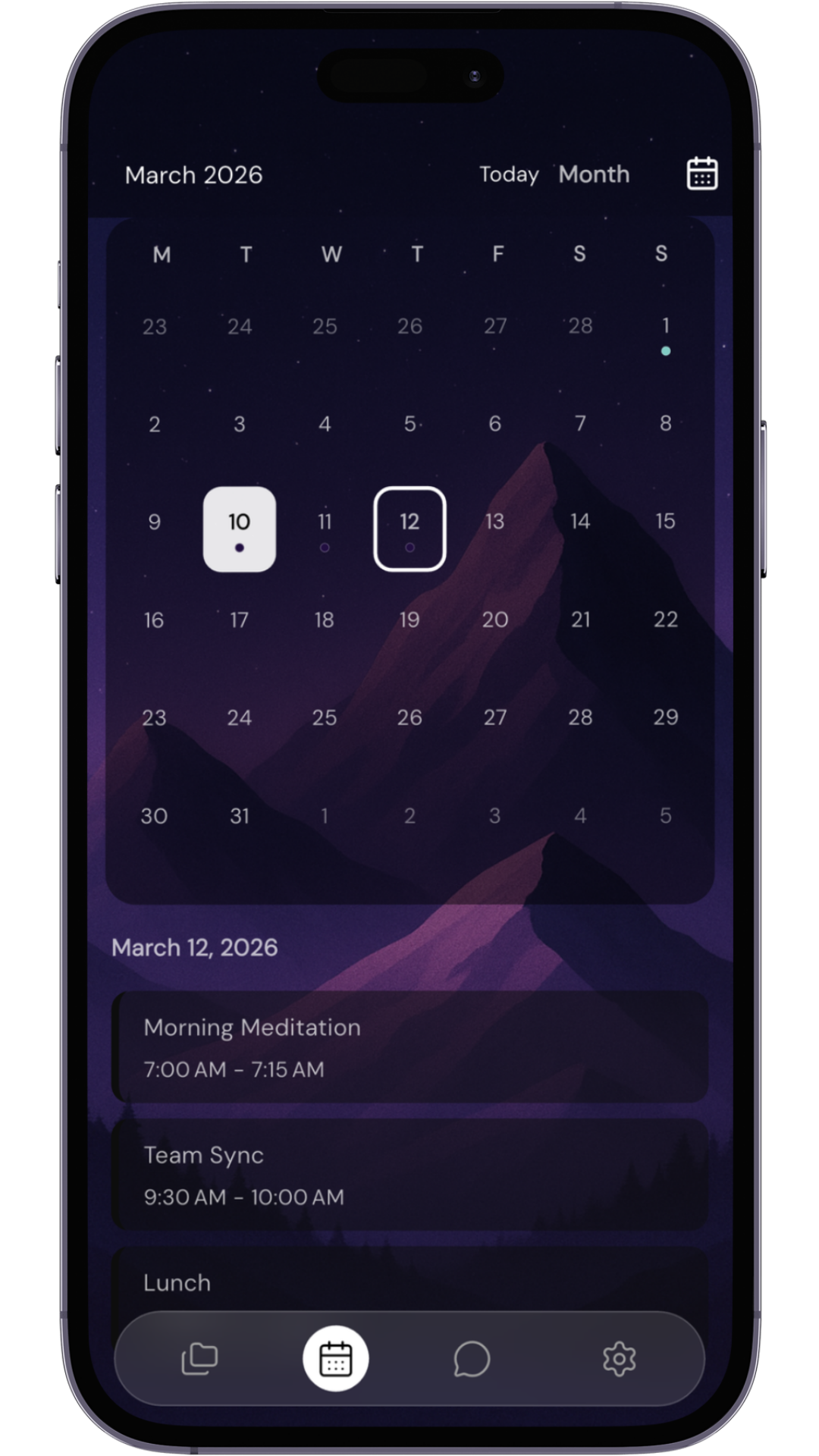
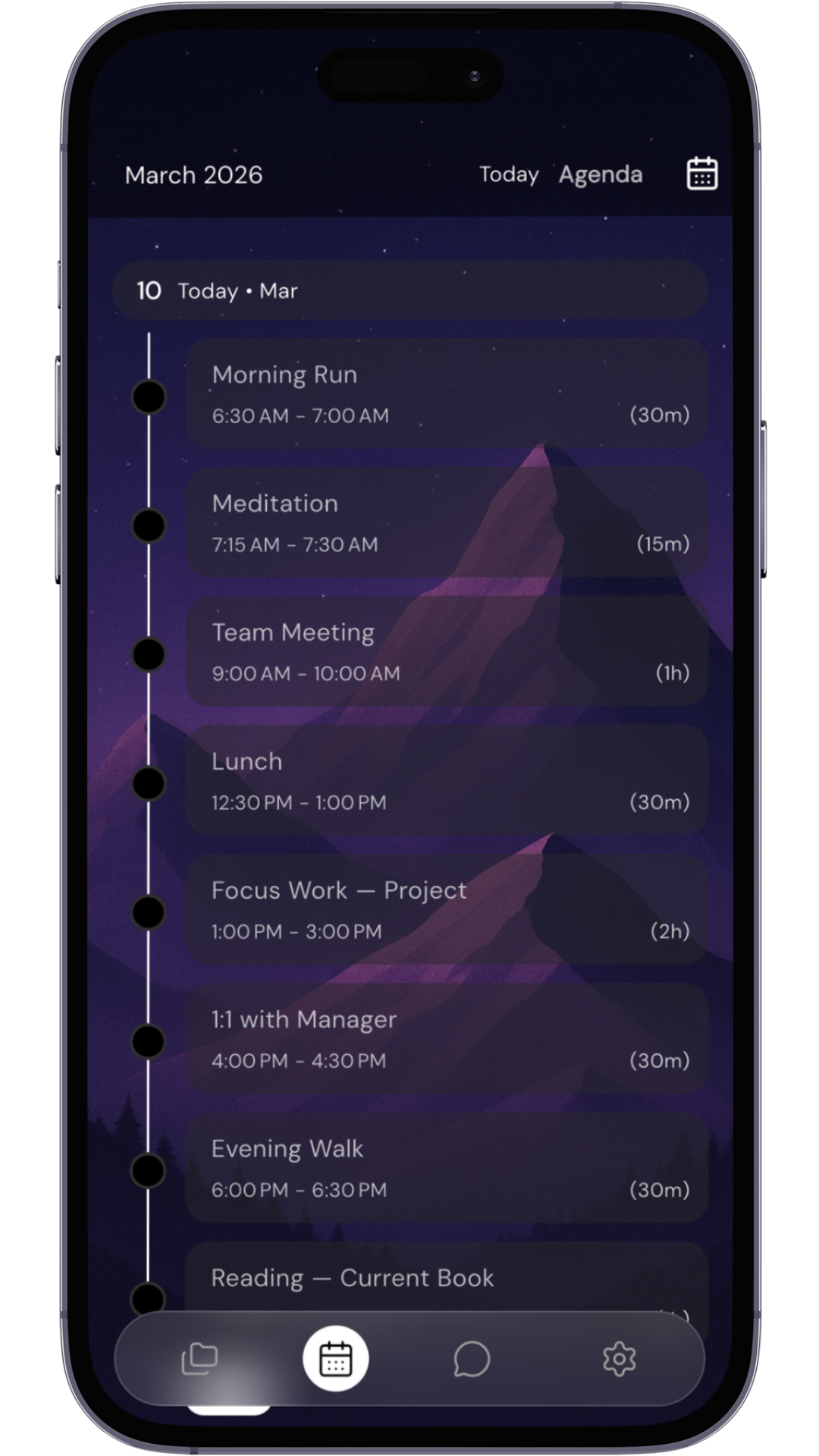
Strip away the calendar grid and see just what matters—your upcoming tasks and events in one continuous flow. Group by project, filter by priority, execute with precision.
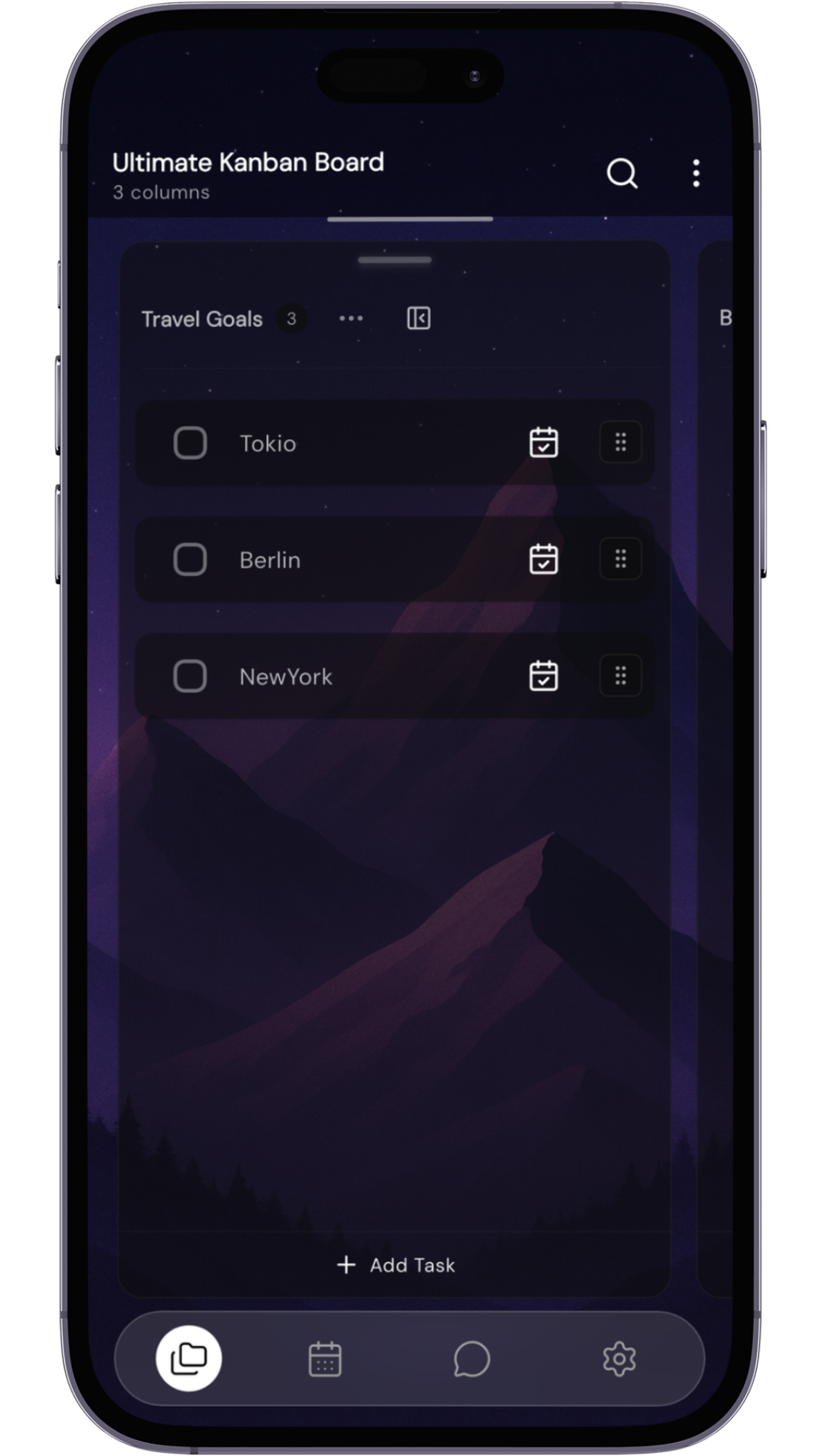
Transform your tasks into a visual workflow. See what's in progress, what's coming up, and what's done at a glance. Drag cards between columns and keep your projects moving.
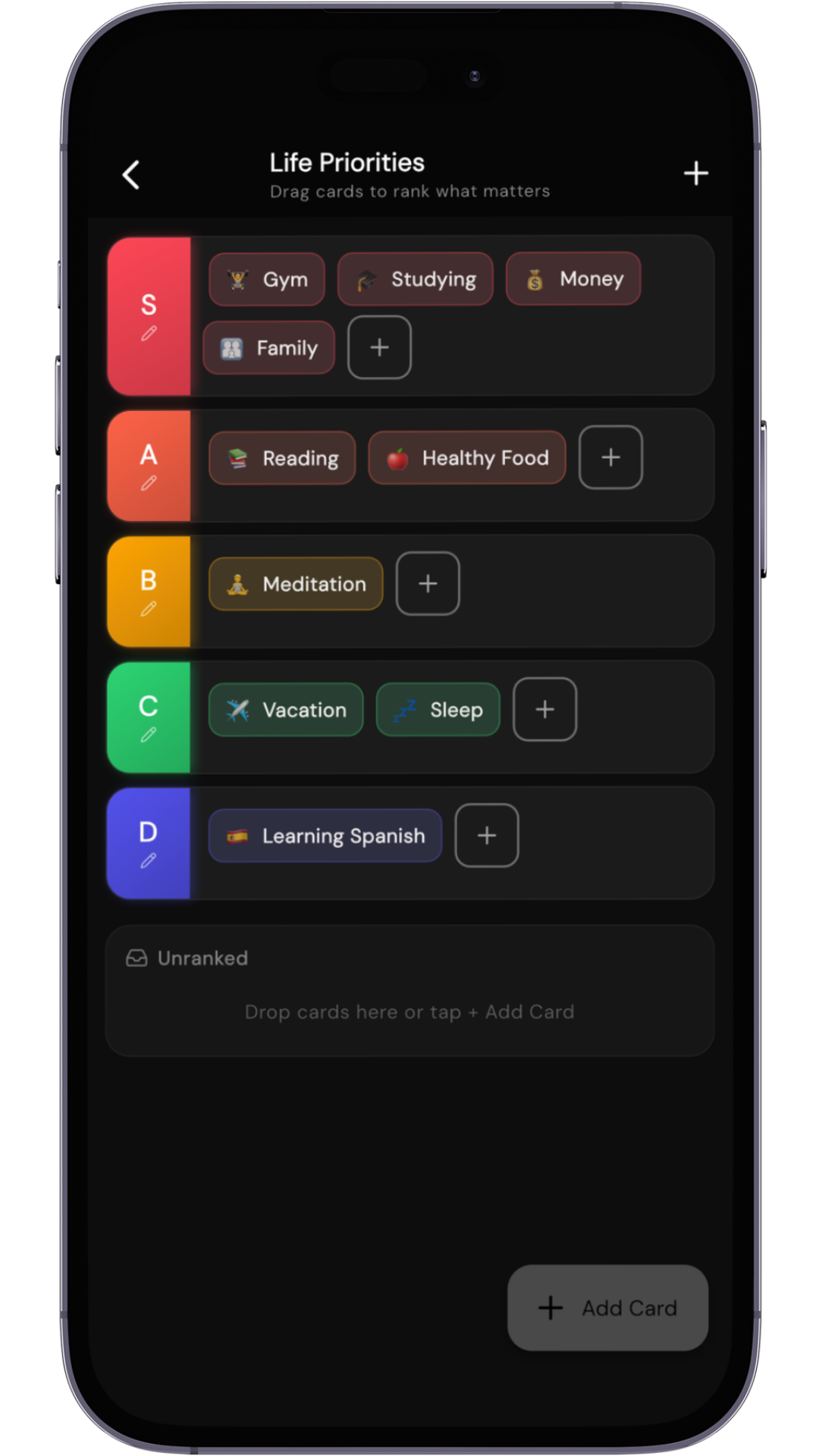
Rank the different areas of your life using a tier-list format. Gain instant clarity on what deserves your attention, act faster, and make better decisions every day.
Research shows that time-blocking isn't just a trend—it's a productivity revolution with measurable results.
A 40-hour time-blocked week produces the same output as a 60+ hour unstructured week
Cal Newport, Georgetown UniversityTime-blocking eliminates constant context-switching that kills productivity
University of California, IrvineRanked as the most useful out of 100 productivity hacks in Harvard Business Review survey
Harvard Business ReviewSometimes people ask why I bother with such a detailed level of planning. My answer is simple: it generates a massive amount of productivity.
From pocket to desktop, your productivity system travels with you.
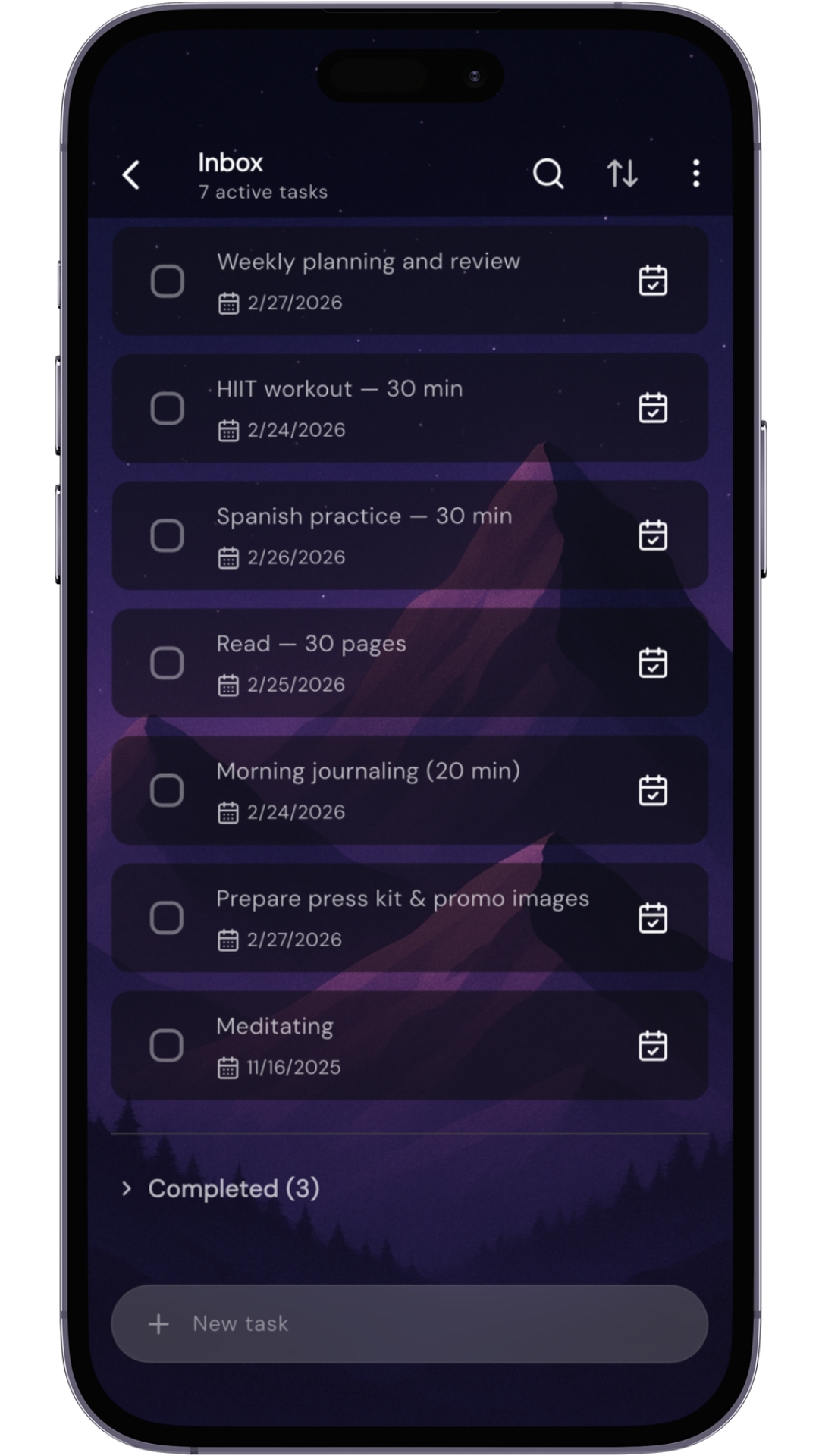
Changes sync instantly across all devices via Firebase.
Optimized for iOS, Android, and available on web.
Keep working without internet. Syncs when you reconnect.
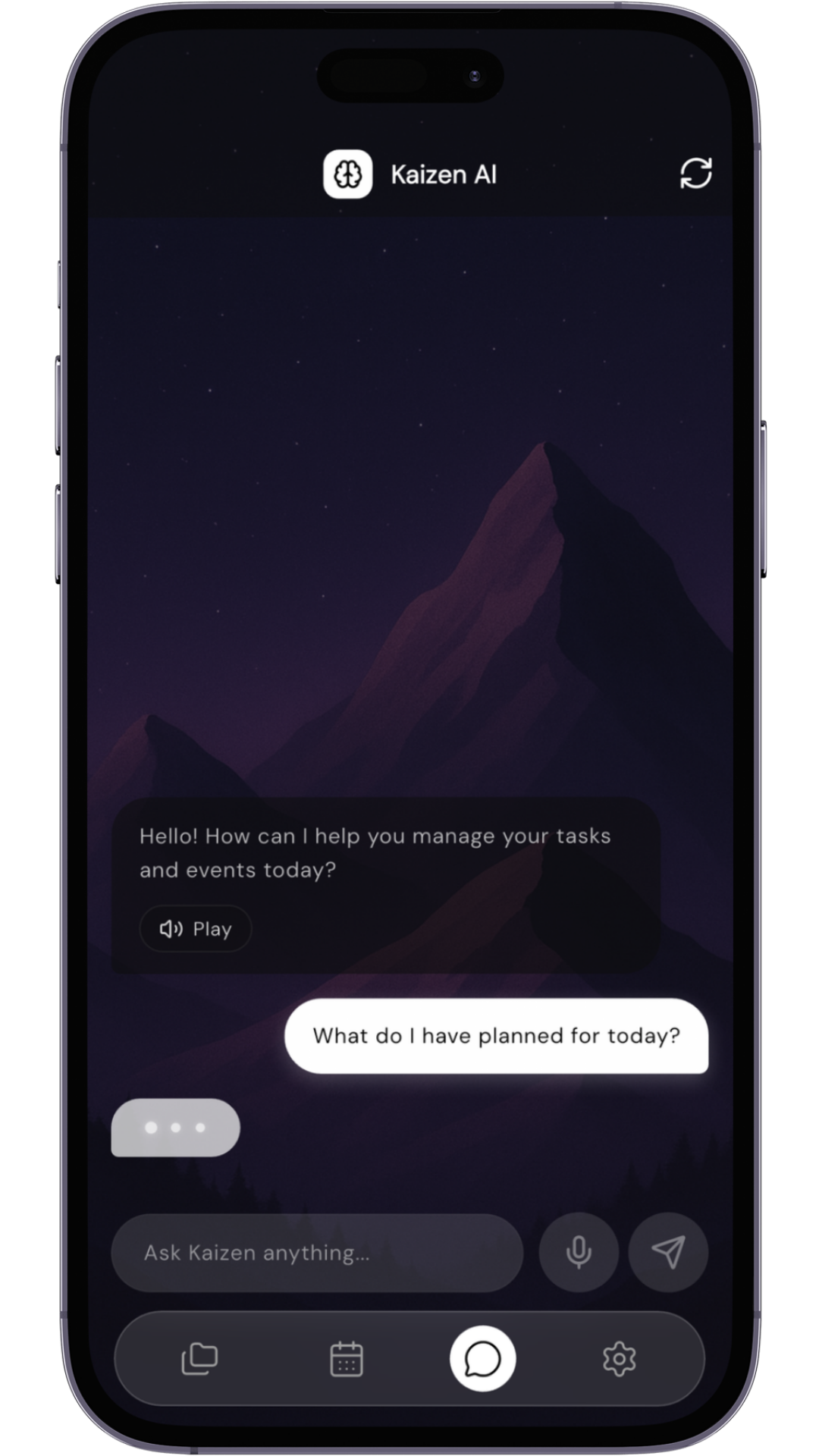
Your personal productivity assistant, ready to test. Use natural language to manage your tasks and events effortlessly.
Simply say, "Add a task to buy groceries tomorrow at 5 PM." Kaizen AI handles the rest.
Just tell the AI, "Schedule a meeting with the team for Friday at 10 AM." and it's on your calendar.
Ask, "What's on my schedule for today?" or "Find the project proposal task." to get instant answers.
Kaizen eliminates the friction between planning and doing. By seeing your tasks and calendar together, you can drag tasks directly onto your timeline for realistic time-blocking. No more overcommitting or wondering when you'll get things done—your entire day is mapped out visually.
Kaizen is perfect for anyone who juggles multiple responsibilities—professionals managing projects, students balancing coursework, entrepreneurs wearing many hats, or anyone who wants to stop feeling overwhelmed by their to-do list. If you've ever wished your task app and calendar could just work together, Kaizen is for you.
Absolutely! Kaizen offers unmatched customization. Change themes, colors, fonts, and even icon styles. Set custom backgrounds with your own photos. Create custom folders for projects, set your own categories, and adjust the interface to match your personal style. It's one of the few productivity apps that truly adapts to you, not the other way around.
Yes! We have a built-in feedback board accessible from the app settings where you can submit ideas, vote on features, and see what's coming next. Your input directly shapes Kaizen's future—we're building this together with our community.
Yes, Kaizen offers a 14-day free trial with full access to all features. This gives you plenty of time to experience how Kaizen can transform your productivity before deciding to subscribe.
Yes. With a Kaizen AI subscription you can connect Kaizen to Claude and other AI apps that support MCP connectors, so they can read and plan your tasks and calendar with you. See how to connect Kaizen to Claude.
Start organizing your life and reclaiming your focus today.
14-day free trial • Cancel anytime